


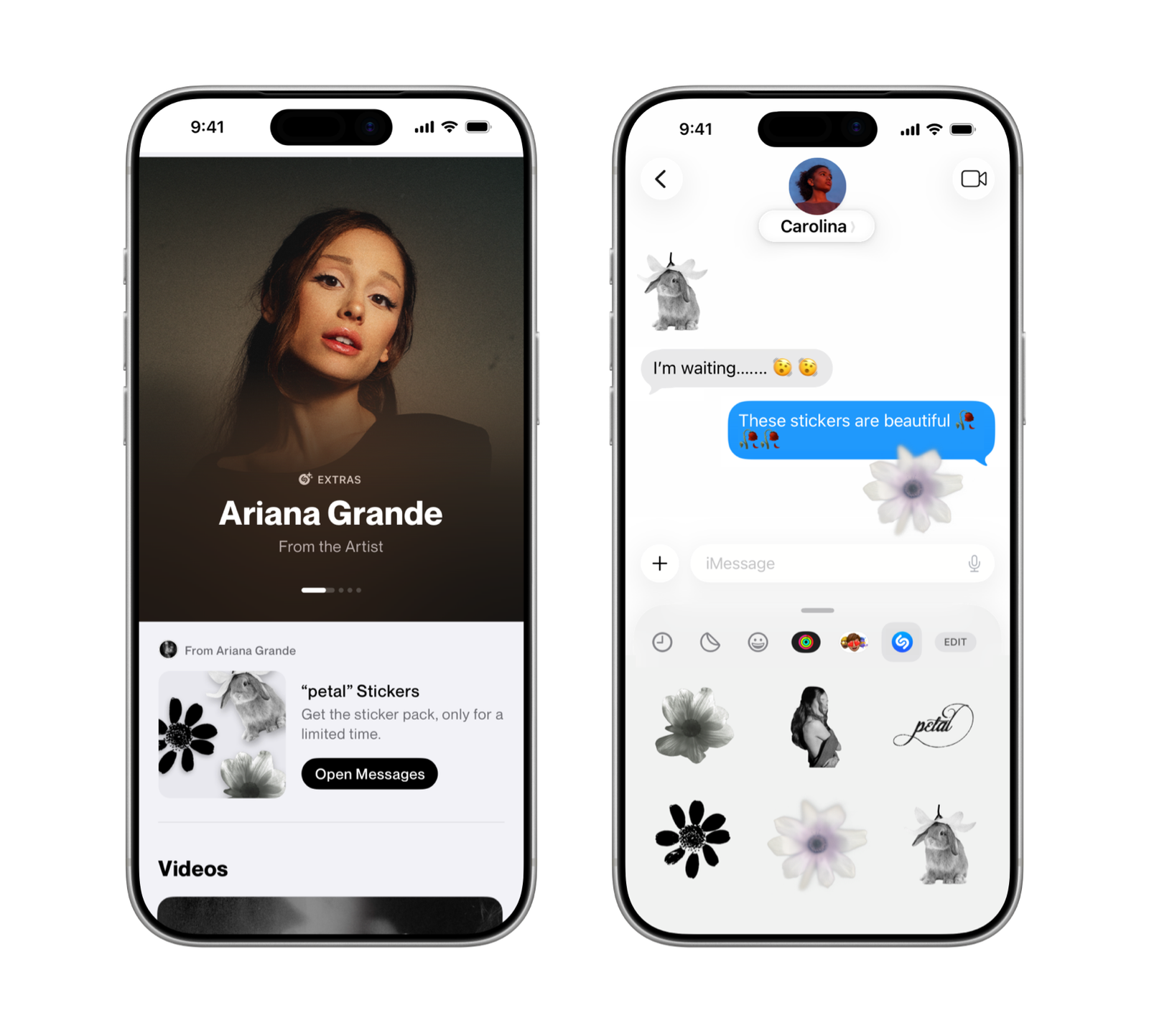
Shazam today announced the launch of its first-ever exclusive artist sticker pack. Available in the Messages app on iPhone and iPad, the collection celebrates the global release of Ariana Grande’s new album, petal, and is inspired by the album’s artwork. The launch highlights how Shazam can turn music discovery into an interactive, shareable fan experience.
Fans can access the sticker pack by using the Shazam app to identify any Ariana Grande song and tapping the special message that appears on the song result or by adding the collection to their emoji keyboard directly in the Messages app. Once downloaded, the stickers can be used in Messages, FaceTime, or any app where emoji keyboard is available.
The sticker pack is available worldwide starting today, July 31, 2026. Check out Ariana Grande’s page on Shazam.
Listen to Ariana Grande’s new album, petal, today on Apple Music, and catch petal radio on demand, featuring Ariana herself and fans celebrating the album’s release, exclusively on Apple Music.
Fans can also expect more surprises on Apple Music soon.
Ariana Grande’s “hate that I made you love me” has just hit 1 million Shazam recognitions. The track has remained in Shazam’s Pop Top 10 for over 50 consecutive days, charted in 53 countries and territories worldwide, and held a spot in Shazam’s Global Top 20 for more than 40 consecutive days and counting.
***
How Fans Can Access the Sticker Pack on iPhone and iPad
Make sure your Shazam app is updated to the latest version (26.14.1).
Open the Messages app. In a conversation, tap the plus icon in the bottom left, scroll to Stickers, them select Shazam. Open the Ariana Grande sticker pack — and get all the big feelings!
You will also be automatically guided to the sticker pack when you identify any Ariana Grande song in the Shazam app.
iPhone users need the latest version of the Shazam app to get the sticker pack. There are two ways to download it:
1. Through Shazam: Use Shazam to identify any Ariana Grande song. A special message will appear on the song result. It will prompt users to download the sticker pack, which links to the App Store.
2. Through the App Store: Download Shazam or update the app to the latest version.
Once the app is downloaded or updated, fans can use the stickers directly in Messages. Here’s how:
Open a conversation
Tap the Add button
Select Shazam
Open the Ariana Grande sticker pack
